Wysiwyg Editor User | |
|

| |
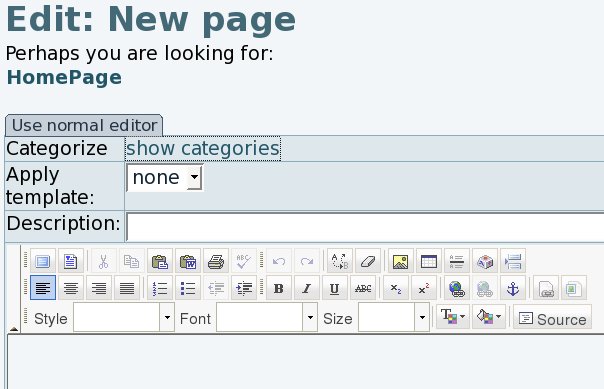
Shifting from visual editor to viewing html source code | |
|
Once using the wysiwyg editor, you can shift from the visual editor to the html source code, for instance, using the corresponding "source" button. 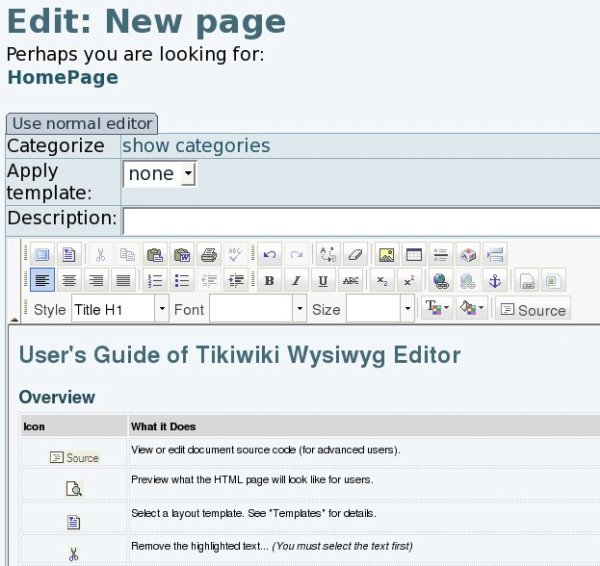

| |
Tiki6: source shown only if the permission is granted | |
|
The wiki page edit toolbar in Wysiwyg mode since Tiki6 is now checking if the user has the permission to use HTML (tiki_p_use_HTML), in order to show the "source" button. Similarly, the permission tiki_p_wiki_view_source will be required to allow converting that html into wiki syntax. | |
Pasting from word processor documents | |
|
There is a special feature (and button) to paste content from a word processor program ( 
| |
 ), which opens a pop up box with a visual text area. Use this to paste the content from your favourite editing program (such as OpenOffice.org Writer, KWord, ... or whatever other closed source alternatives):
Inserting or editing internal Wiki links | |
|
Pressing on the button "Inserting or editing internal Wiki links" ( 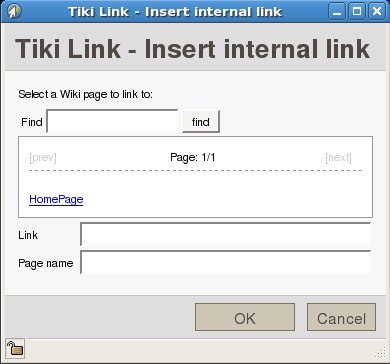
| |
 ), will open pop up window that will allow you to create links to current wiki pages in the Tiki site.
Inserting Tiki images | |
|
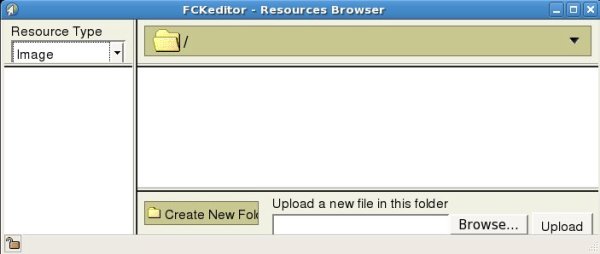
Pressing on the button "Tiki image" ( 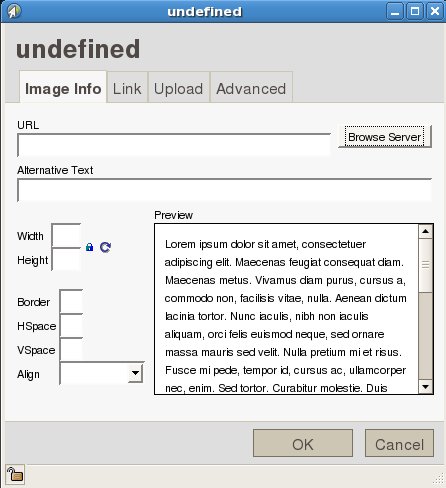
| |
 ), will open a pop up window that will allow you to insert images into the page.