Plugin Approval | |
|
| |
Example from 8.x | |
|
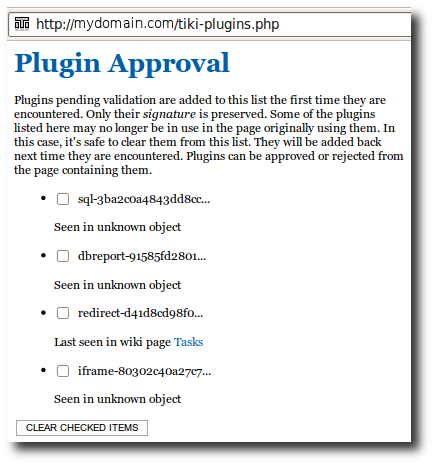
This example shows the "Approve all pending plugins" button. Note the Refresh button that should be used after a Tiki upgrade; that process can take a very long time to reparse all of the pages of your Tiki site; you may have to perform that Refresh more than one time to fully reparse your site.
| |
Via command line | |
|
You can use Console like this: Copy to clipboard
Copy to clipboard
Alias names for this page: Approving Plugins
| |
Keywords | |
| |