Live Support Admin | |
|
| |
Live Support settings | |
|
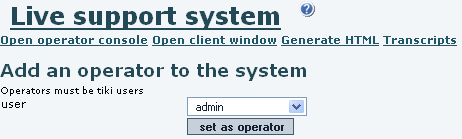
First enable the feature on "Admin->Features". 
| |
Operator usage (1 user to 1 operator) | |
|
Now logged into the Tiki site as one of the operators, click the Open Live Support Console window. Lets assume in this example that there are 3 users defined as operators, and only one of them is online. 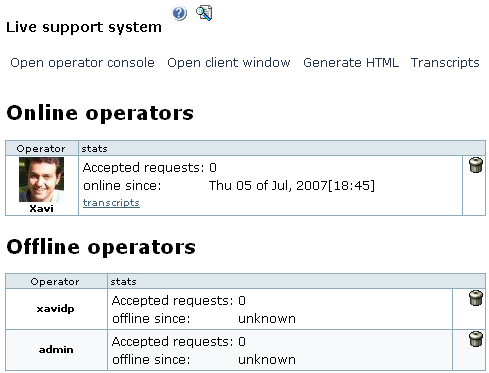
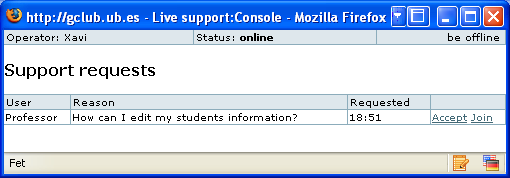

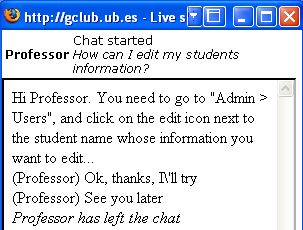
| |
Two operators on the same support request | |
|
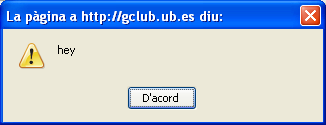
If two or more operators where online by the time of the support request, all of them would get the popup window noticing a support request was made, and once they clicked on the small popup "accept" window, each one of them could accept of join the support request process. 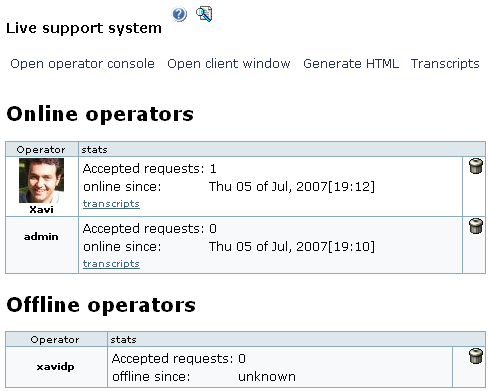
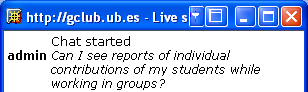
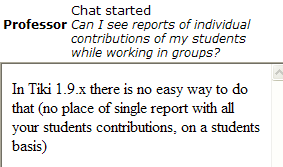
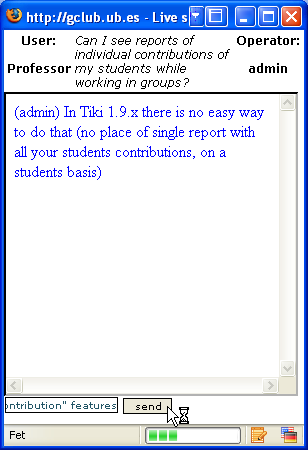
2nd support request by user Professor
| |