The calendar is a feature-rich resource to help track site modifications as well as organize, and collaborate with individuals & groups around the world using the user-friendly architecture of Tiki. Tiki's Calendar feature makes use of practically all of the features you might find in other web calendars, while also fully integrating the other features of TikiWiki such as categories, wikis, blogs, galleries, and many others!
Depending on how the Tiki administrator has configured the Tiki site you're using, you may be able to do some or all of the following:
View a list of all available calendars on your Tiki site
View a calendar
Create a calendar
Add a new event to a calendar
Edit or delete a calendar event
Print a calendar
Click to expand
The following sections explain how to perform these actions.
Navigating the Calendar
The navigation bar
Viewing ___ date
Today's date (jump to today in calendar)
Zoom Level/Views
Calendar Navigation Bar
The Mini-Navigation Calendar
?
x / clicking anywhere outside the mini-nav calendar
<< | >>
< | >
Today
Week #
Selecting the date you wish to view
Special Features
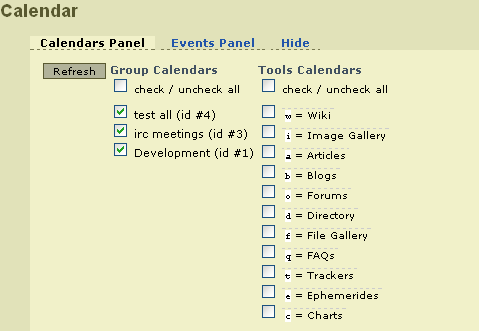
The Calendars Panel
Calendars Panel
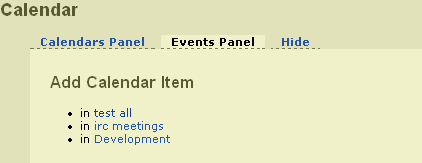
The Events Panel (brief note)
Events Panel
The Hide tab
Zoom Levels/Views
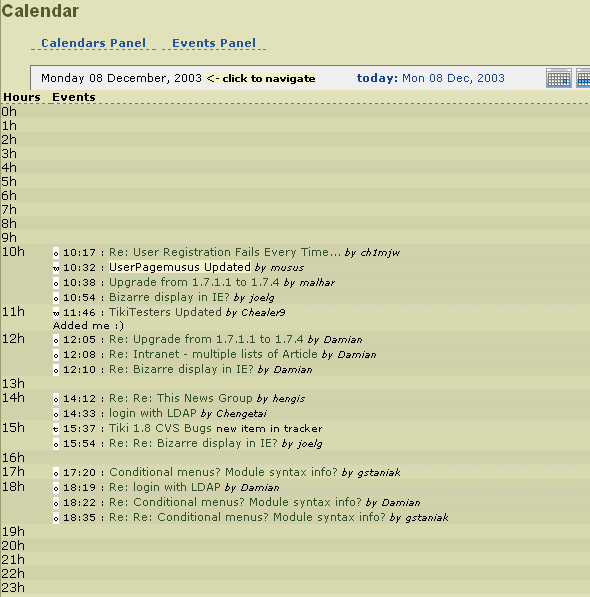
Day
Time
Events
Assigned tool calendar(s)
Exact time
Linked page name (if applicable)
Who made the modification
Day View
Week
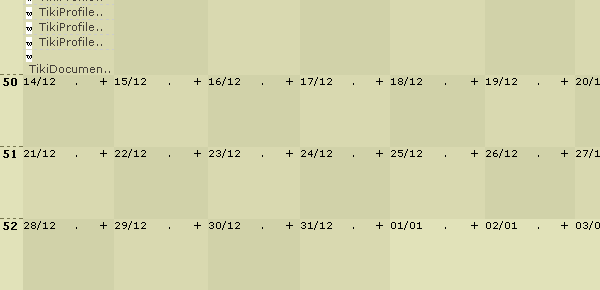
Date format
Week #
Days of the week
Events
Basic Information
Meaning/Definition
Assigned tool calendar(s)
Linked page name (if applicable)
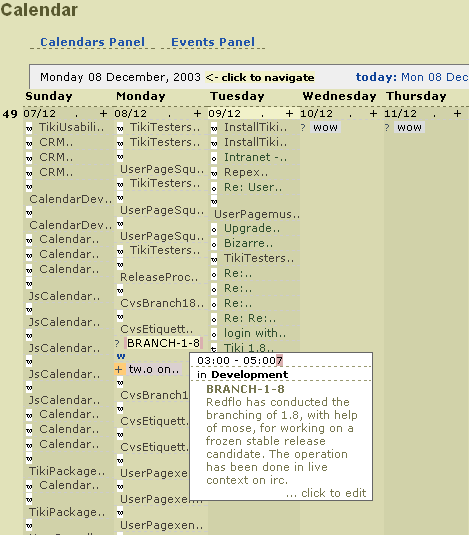
Week View - Basic Information
Detail Information
Meaning/Definition
Exact time
Assigned tool calendar(s)
Event description
Who made the modification
Week View - Detailed Information
Month
Date format
Week #
Days of the week
Month View
Advanced usage
Example of advanced usage in a wiki page through the plugin module and several modules inside:
Which could be produced with something similar to: